Telescope
Process Seestar S30 FITS files
Seestar files are what Stelora’s pipeline was built and tuned on, and the S30 is one of the two Seestars it works with. You upload the FITS file from the telescope, in your browser, and get a finished photo back, with nothing to install.
The result below is from an S30: the Orion Nebula, stacked by the Seestar app and finished by Stelora. The left side is that stack with only an automatic stretch, and the right side is what Stelora made from it. Drag to compare.
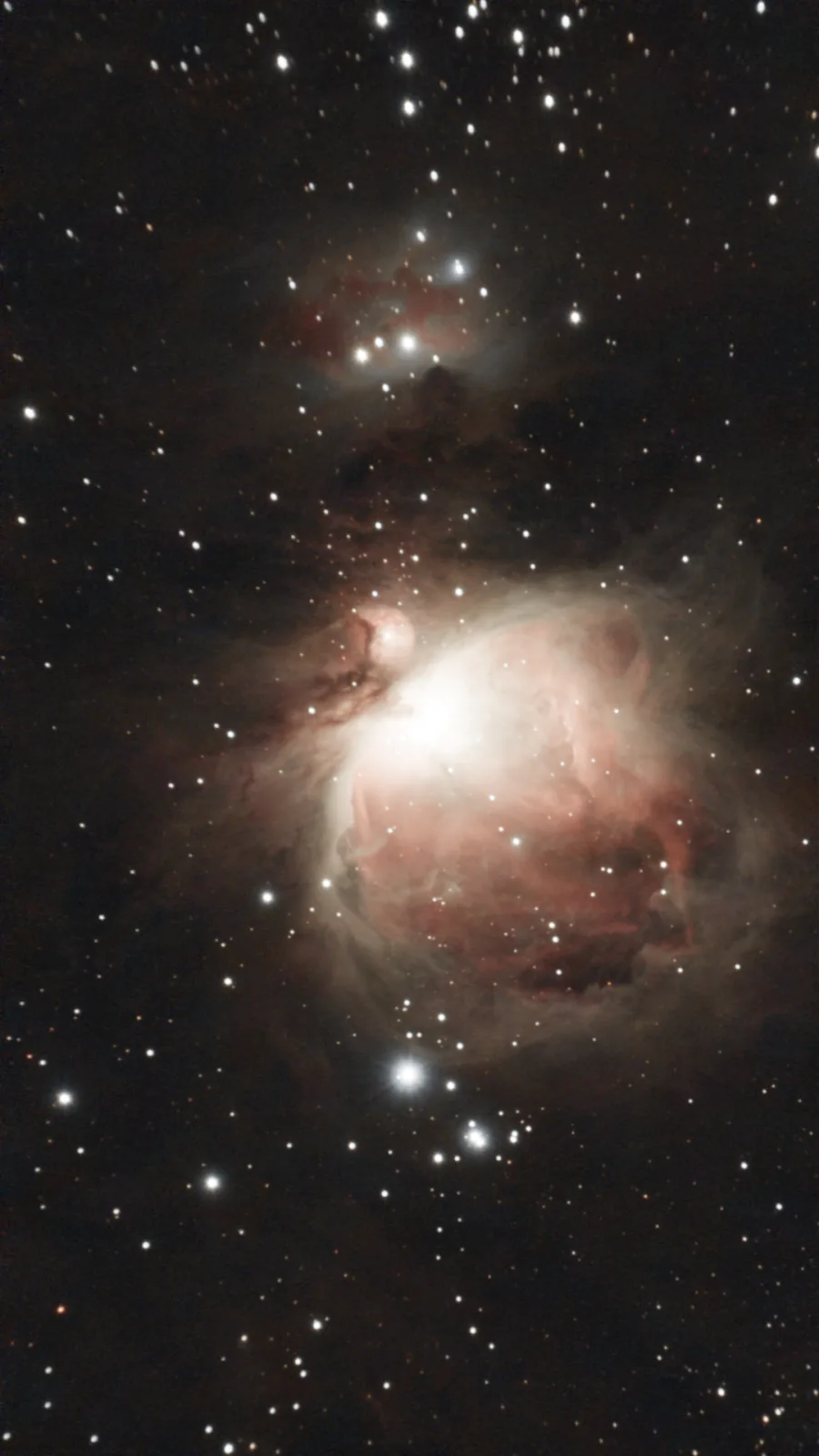 Raw, auto-stretched Finished
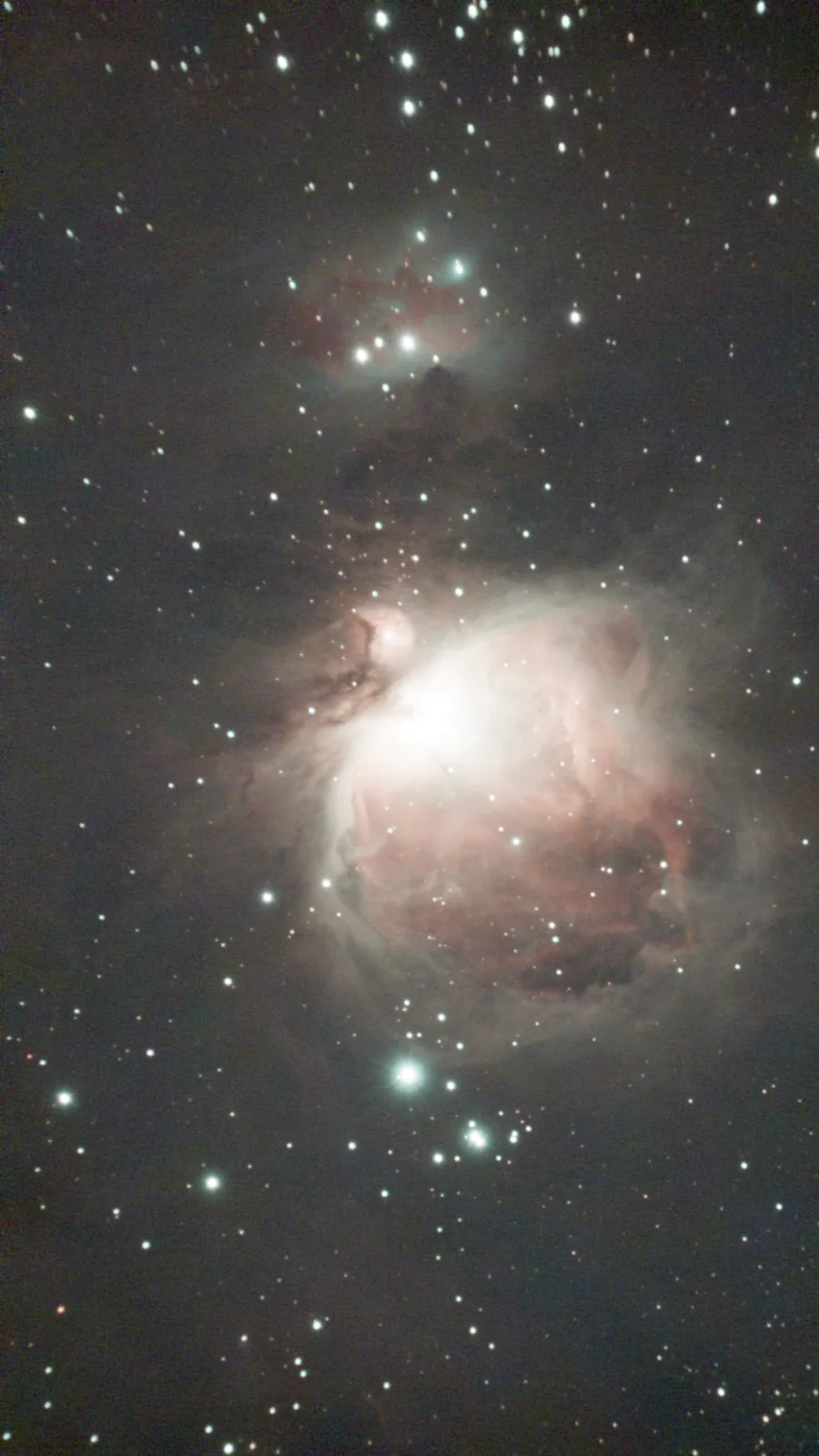
Data: AbdurAstro (free Seestar practice data). About M42
What to upload
- The stacked file: Stacked_….fit, from the target’s folder in MyWorks.
- Or the raw subs: all of the Light_….fit files from the _sub folder, picked at once. Stelora stacks them first.
Where your Seestar or Dwarf 3 saves its FITS files shows where each file is and how to copy it. Prices are on the pricing page.
- Focal length
- 150 mm
- Field of view
- 2.13° by 1.2°
- Uploads
- Stacked file or raw subs
What to know first
- I have not tested files from the Seestar S30 Pro yet.
- The pipeline is one fixed recipe. A person who tunes each step by hand in Siril will beat it on a given image.
How it works describes every stage of the pipeline and where each one falls short.
Questions
Which file do I upload from a Seestar S30?
The stacked file, Stacked_….fit, or the raw subs from the _sub folder. The JPG alone is not enough: the telescope has already stretched it.
Does Stelora take raw subs from the S30?
Yes. Pick all of the sub files at once and Stelora stacks them first. A set of raw subs costs more credits than a stacked file, and you see the cost before anything is uploaded.
What if Stelora cannot read my file?
The pipeline reads the size and layout from the FITS header. If it cannot read a file, the job stops and you are not charged.