Your Seestar stack, finished.
Finished in about a minute. Processed on a GPU, for every user.
Upload the FITS file your Seestar or Dwarf 3 saved and get a full-resolution photo back, ready to post. Nothing to install.
No file with you? Open a finished sample
3 free images, no signup. 6 a month with a free account. Full-resolution downloads with no watermark.
335 images finished so far.
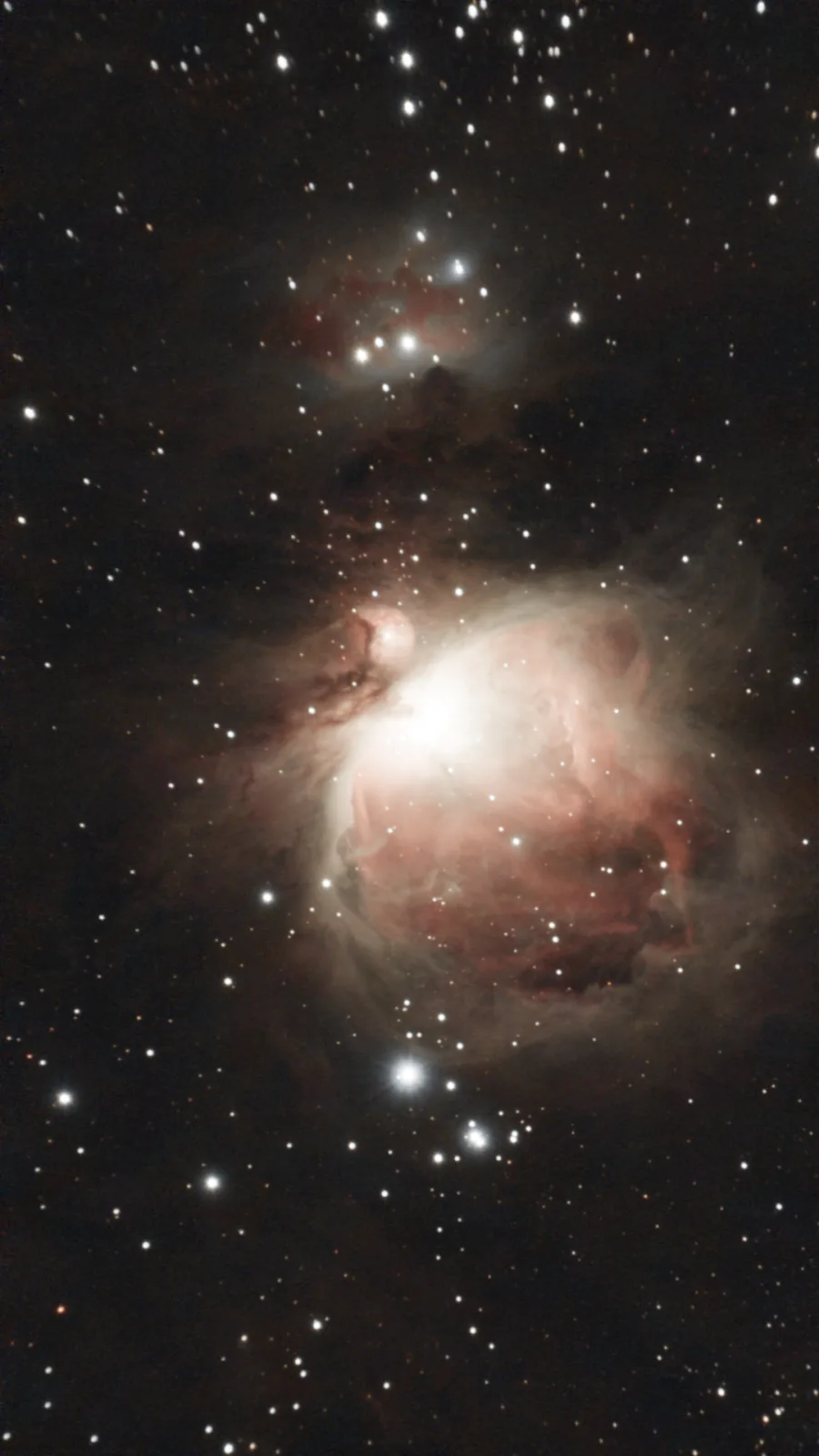 Raw, auto-stretched Finished
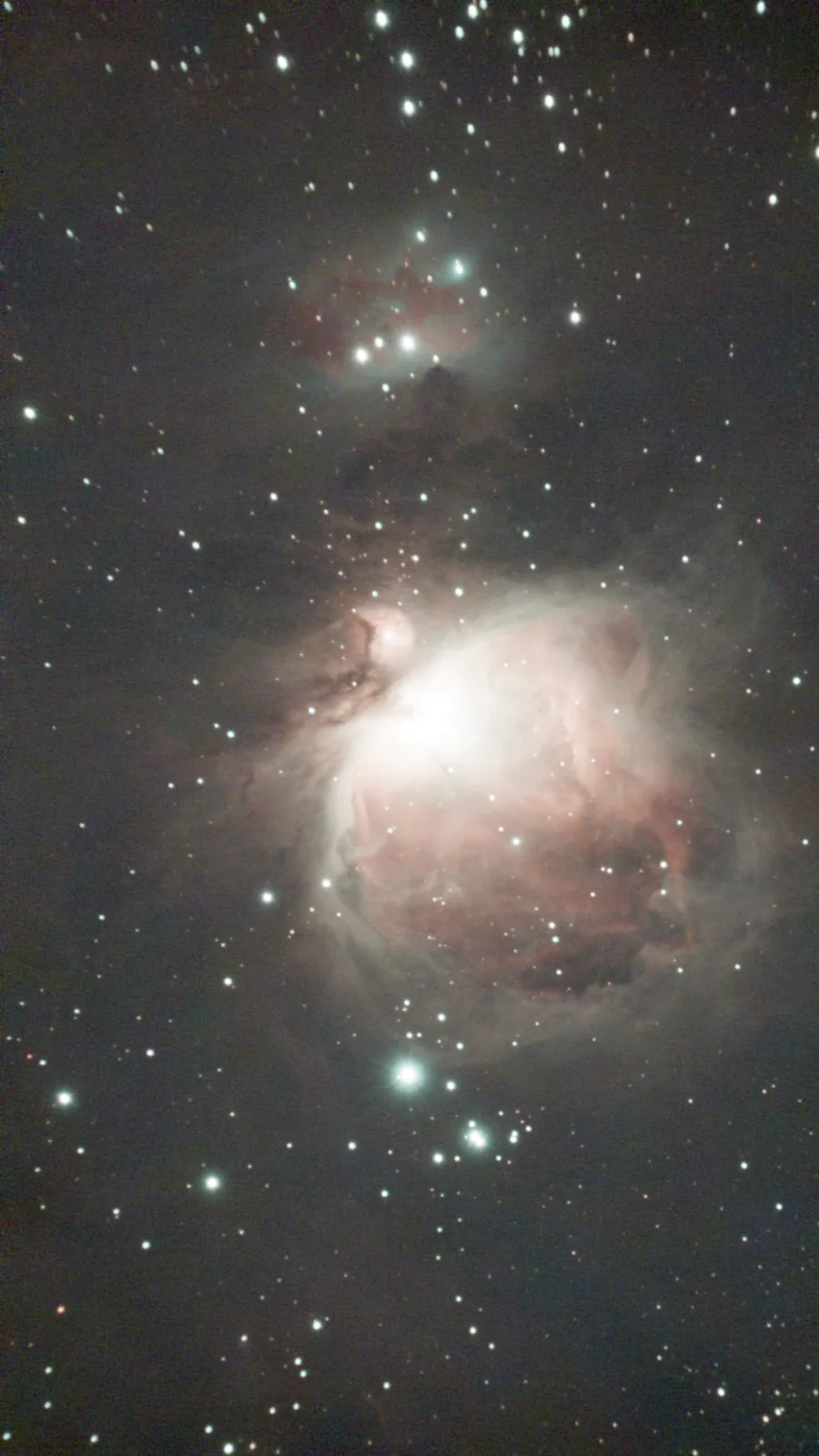
- Target
- M42 Orion Nebula
- Telescope
- Seestar S30
- Exposure
- 244 × 30 s, 2 h 2 min
- Data
- AbdurAstro (free practice data)
Works with Seestar S30/S50 and Dwarf 3 stacked files, and Seestar raw subs. How it works
How it works
Find the file
Your telescope saves a stacked FITS file beside the JPG. A Seestar names it
Stacked_….fit, a Dwarf 3stacked-16_….fits.Where is my file?
Seestar: in the Seestar app, open the image in the album and download it as FIT (the app offers JPG, FIT or both). Or connect the Seestar to a computer with its USB cable: it shows up as a drive, and the file is in
MyWorks, in the folder named after your target.Dwarf 3: the app saves only the JPG to your phone. Connect the Dwarf 3 to a computer with a USB cable and open the
DWARF_RAWfolder for your target.Upload it
One stacked file is 1 credit. Your first 3 are free, and a free account gets 6 every month. You see the cost before anything is uploaded.
Download the photo
Usually about a minute later: a 16-bit PNG at full size, a JPG for your phone, and a share link if you want one. You can close the page and get an email instead.
More real captures
Each pair is the same stack: on the left the raw subs stacked by Stelora’s pipeline, auto-stretched; on the right as Stelora finishes it. Drag to compare.
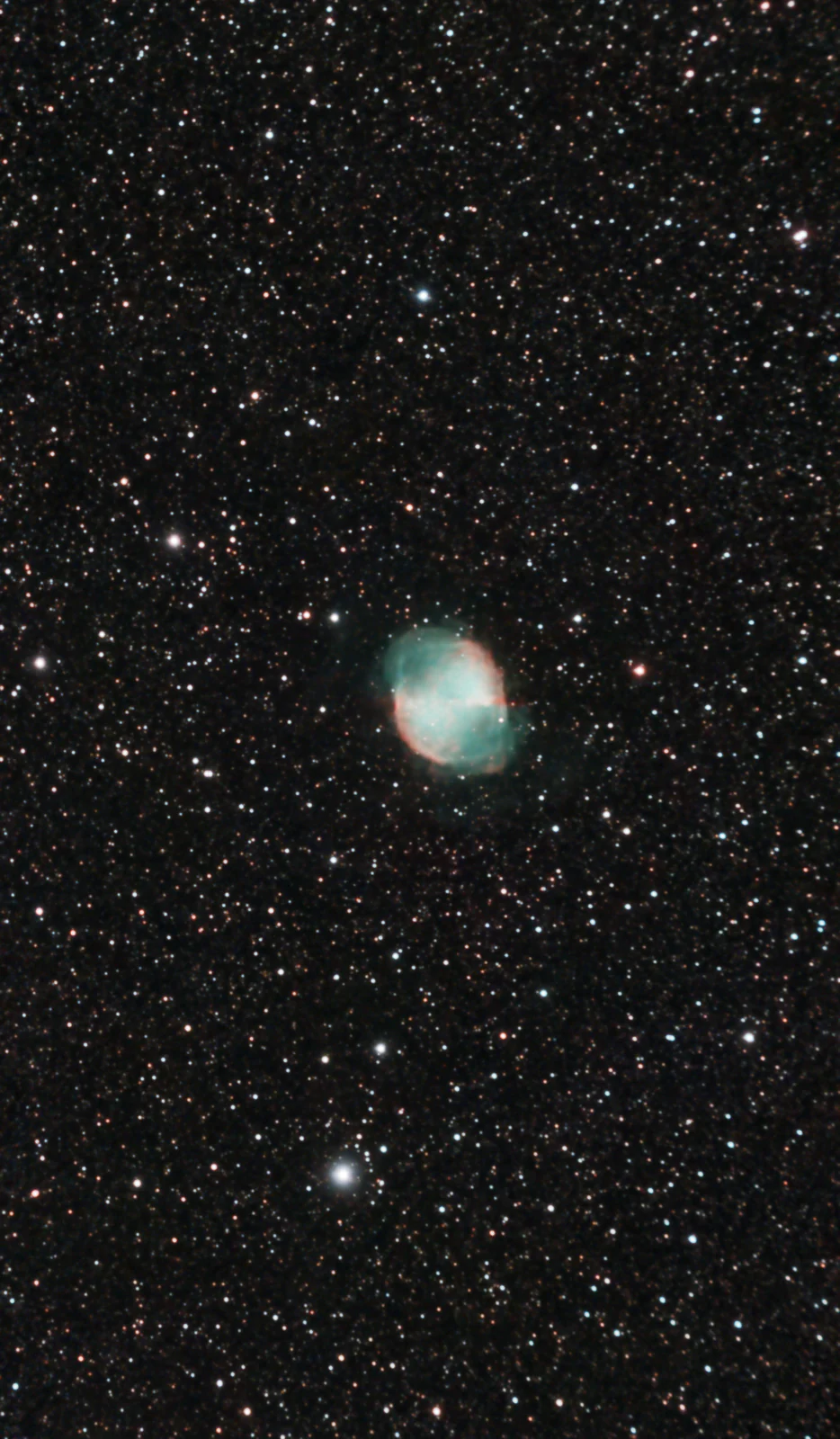 Raw, auto-stretched Finished
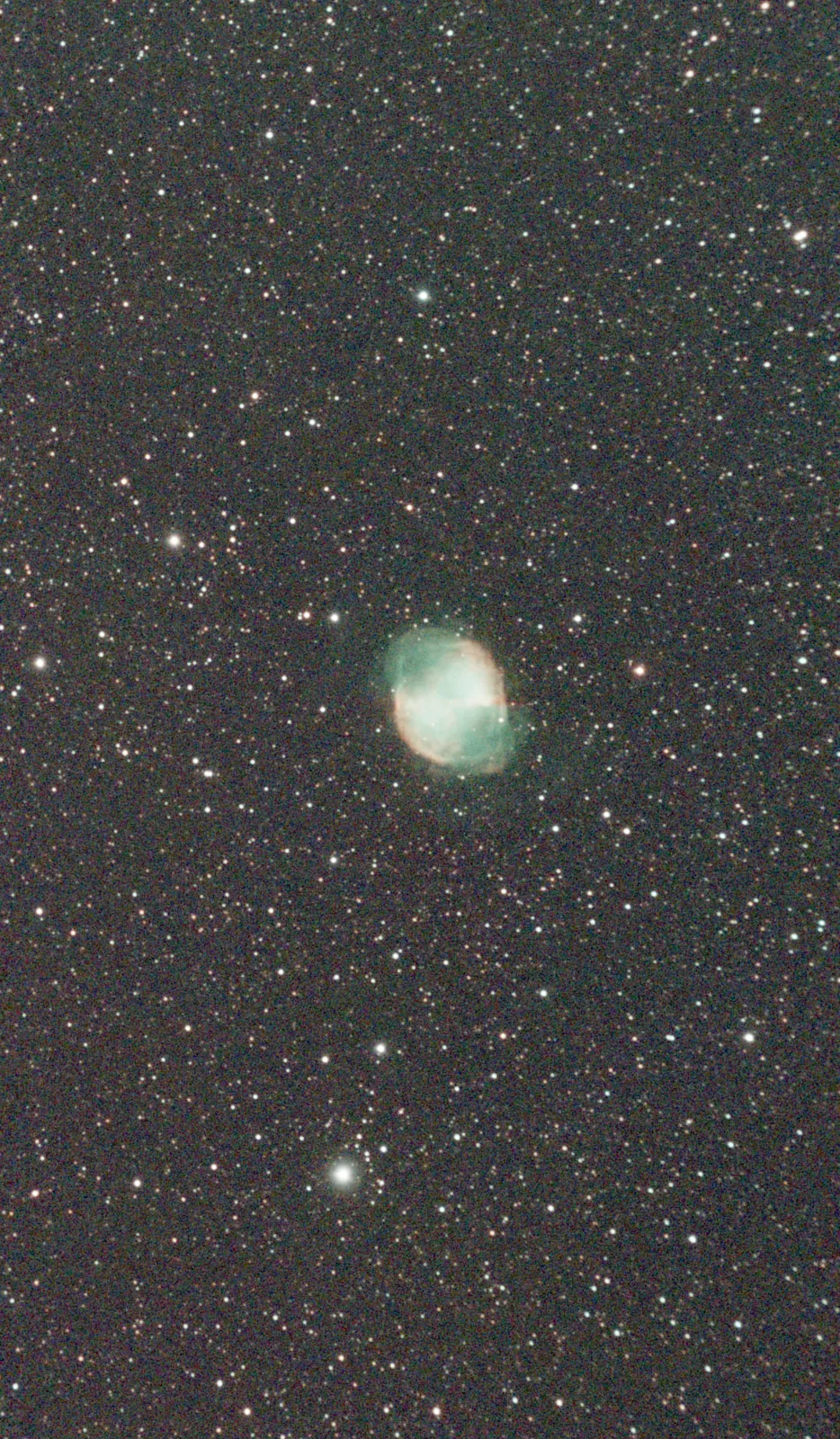
M27 · Cyril D.
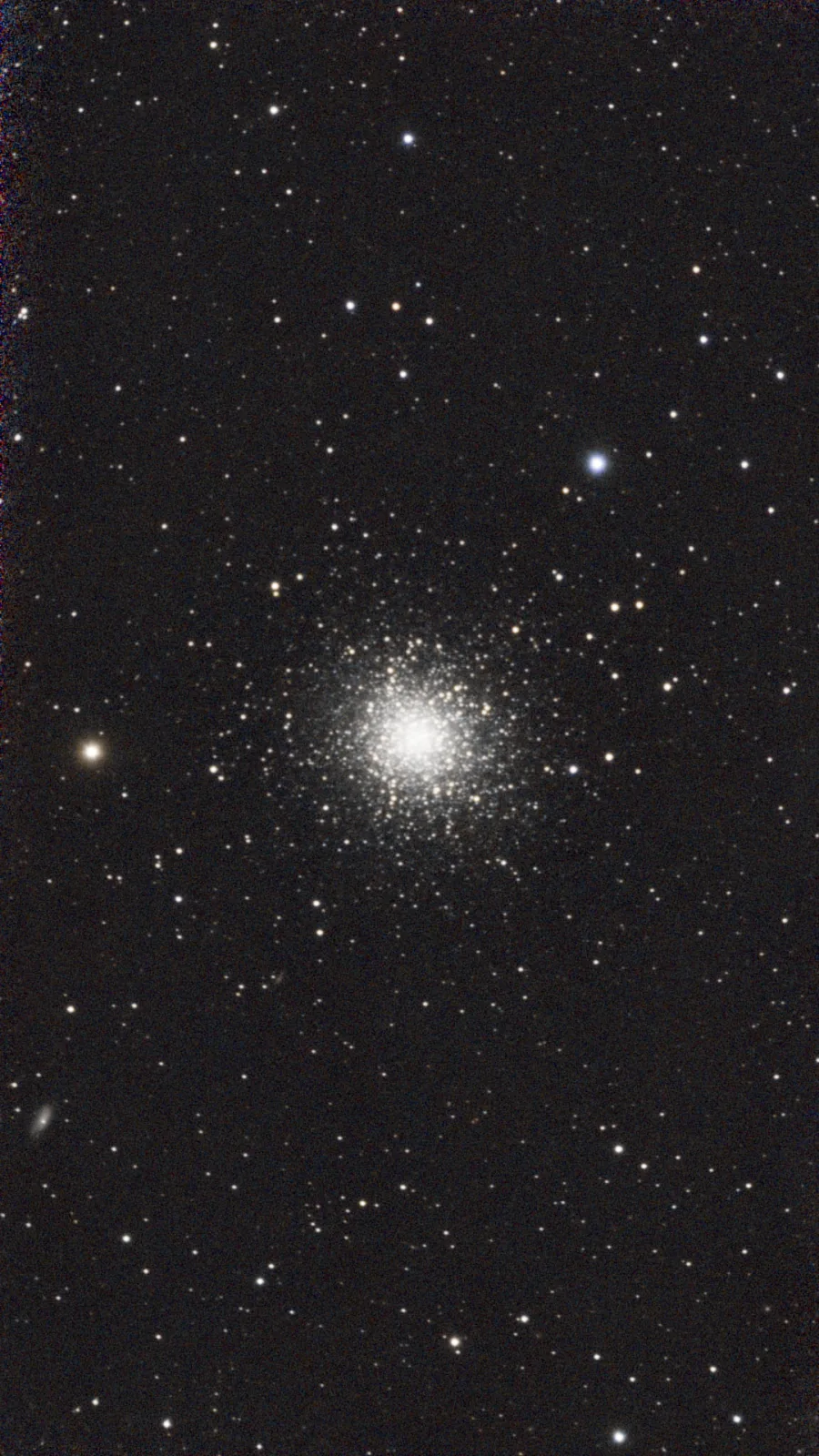 Raw, auto-stretched Finished
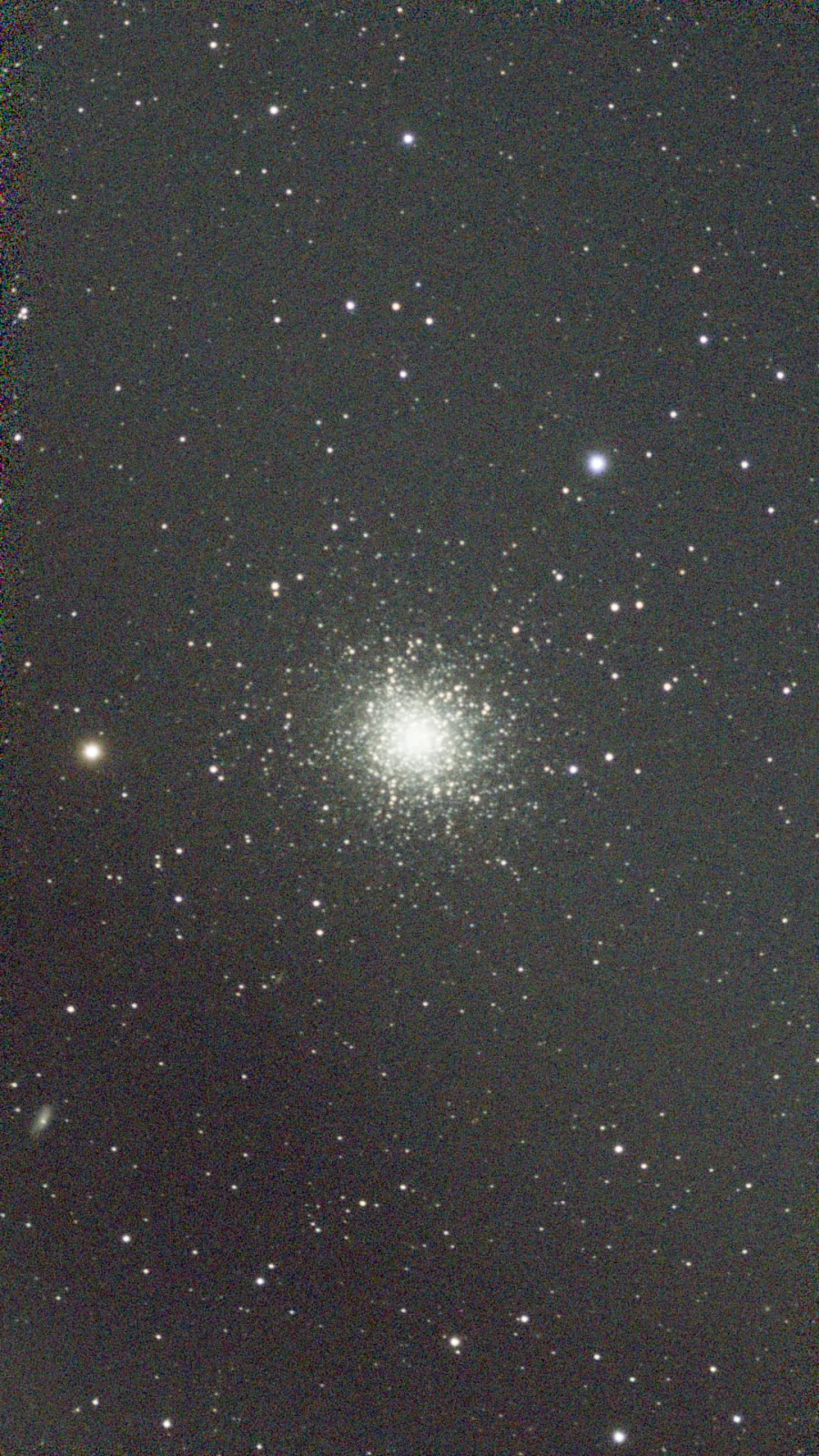
Example data for M42 and M13: AbdurAstro (free Seestar practice data)
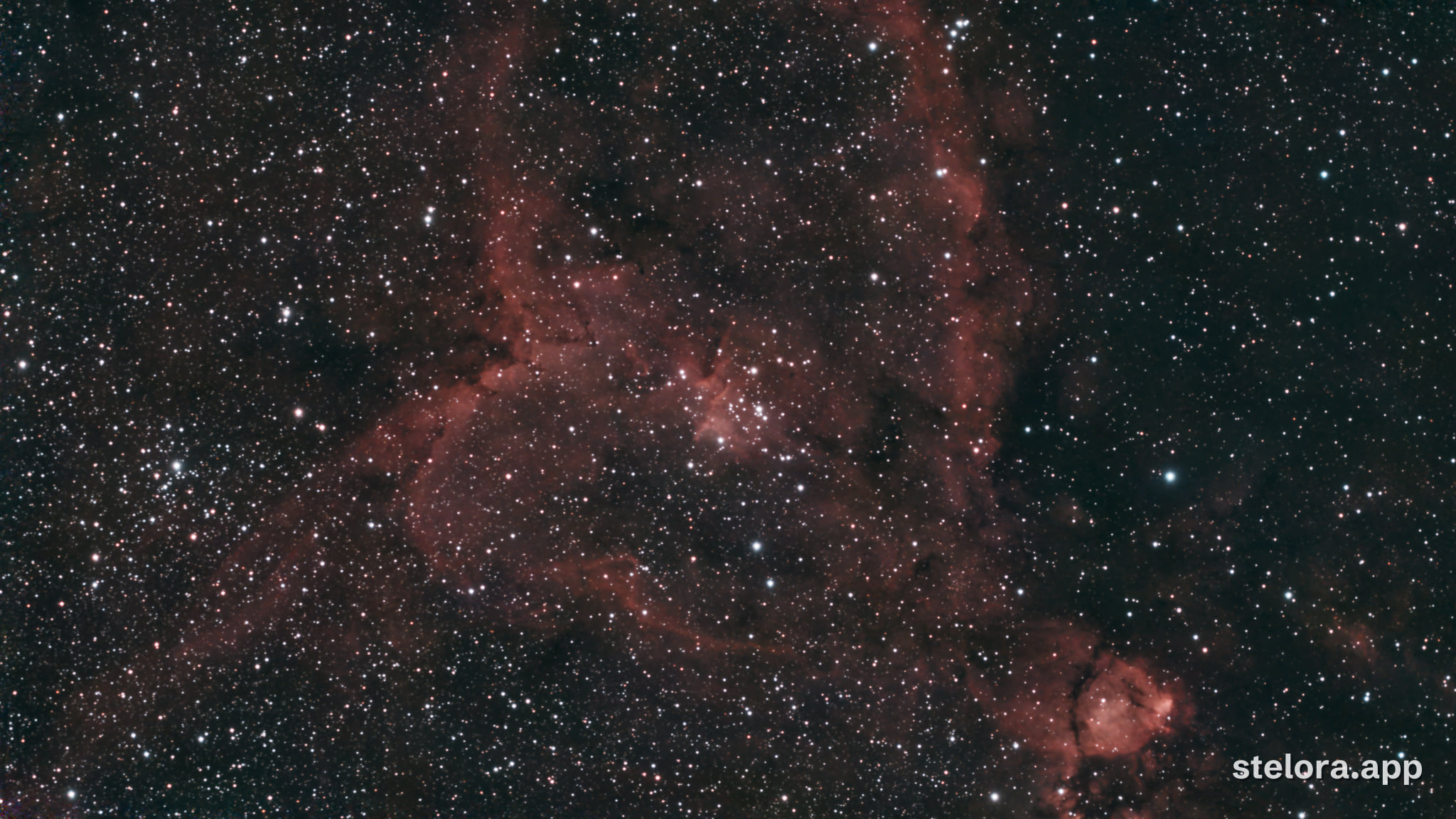
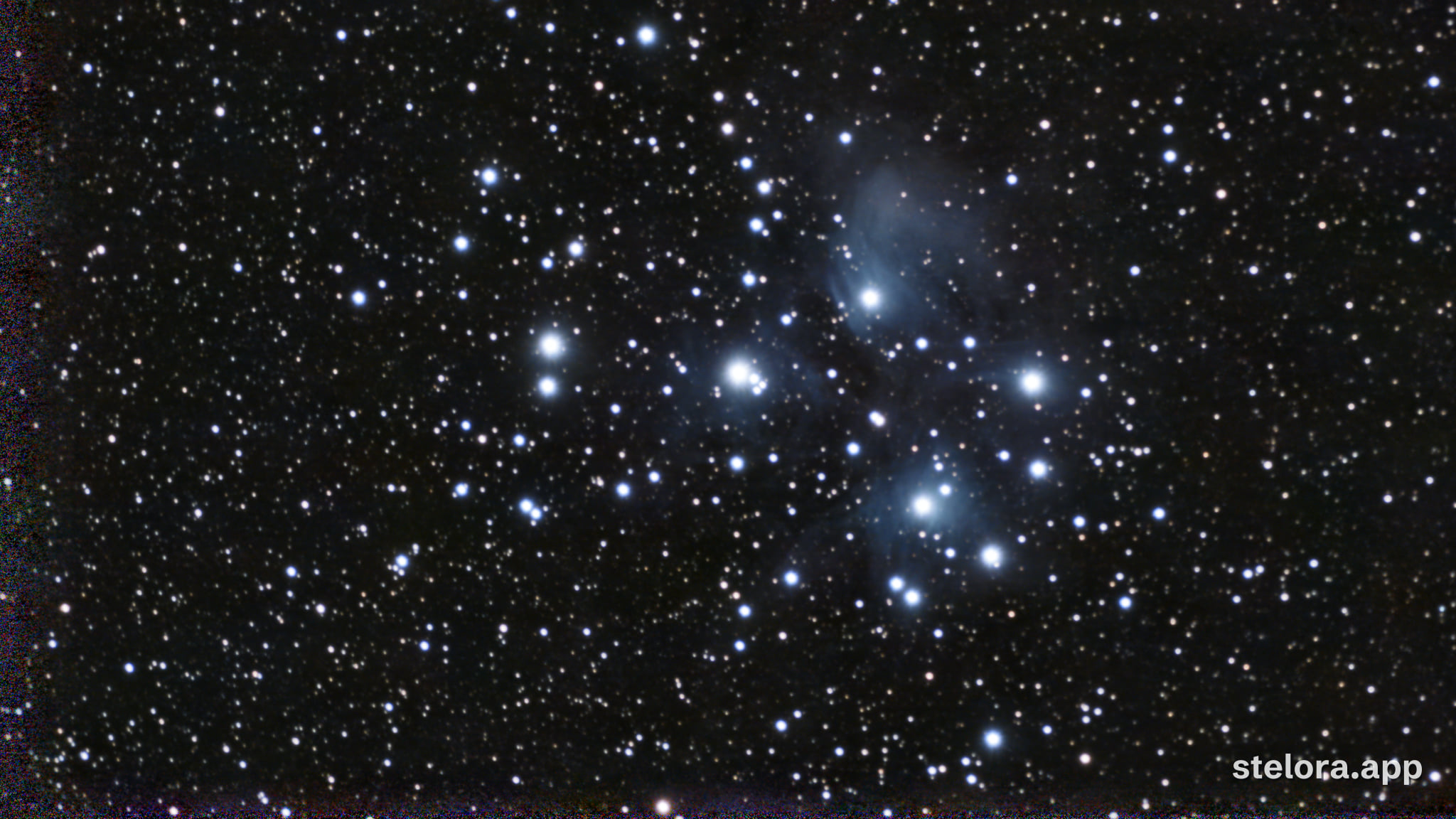
Shared by Stelora users
Finished images their owners chose to show. Each opens the raw capture beside the result.
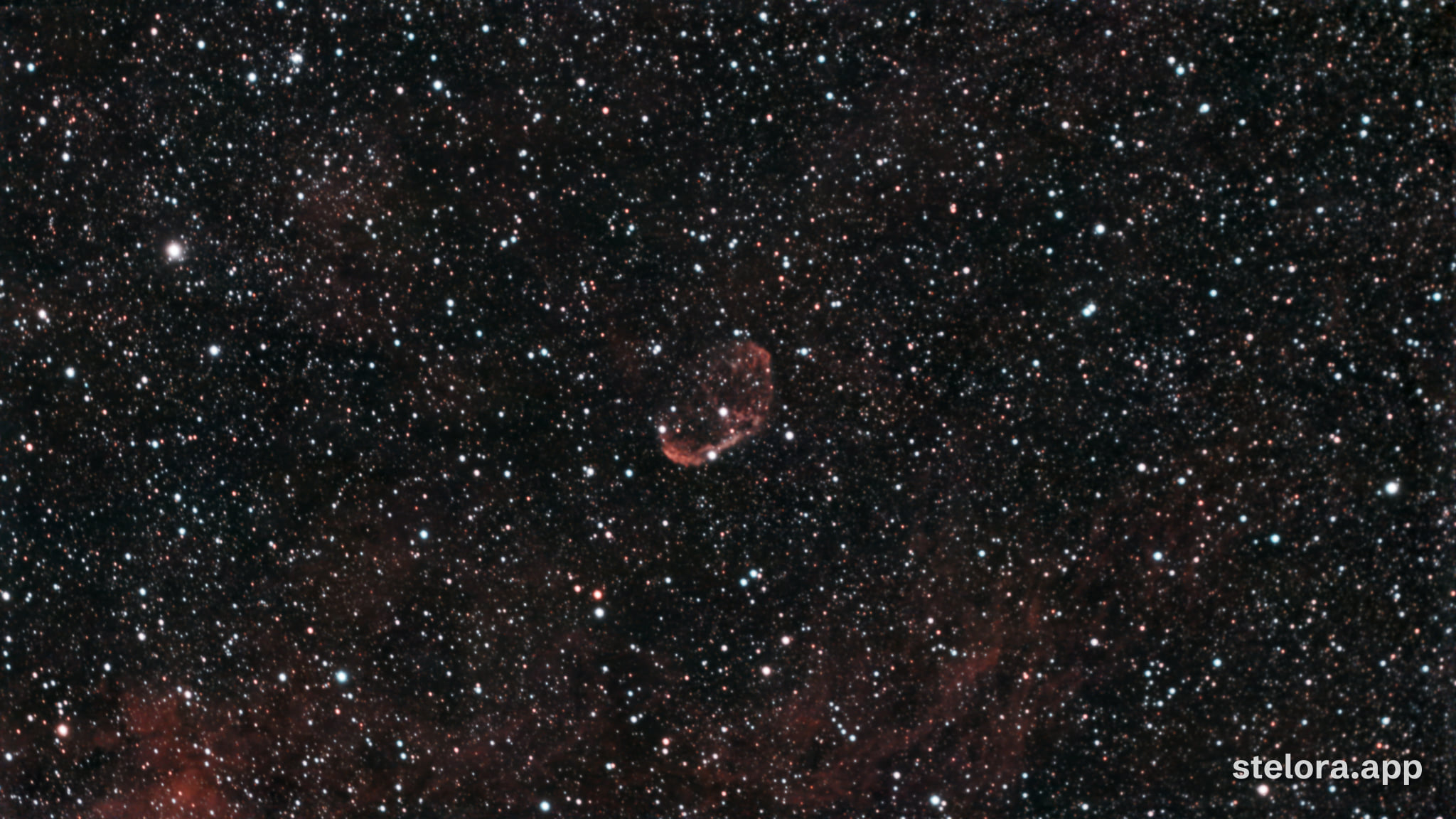
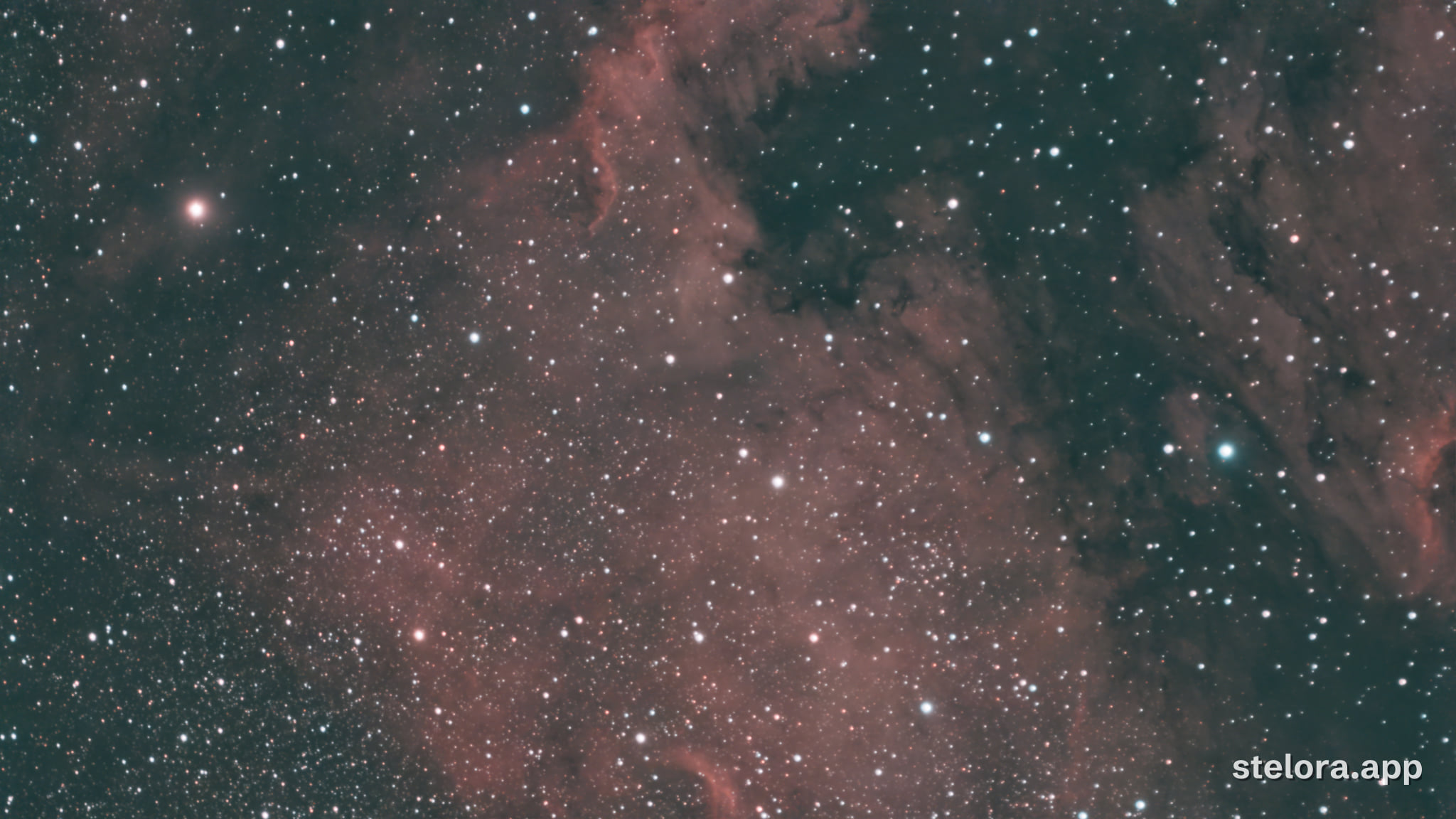
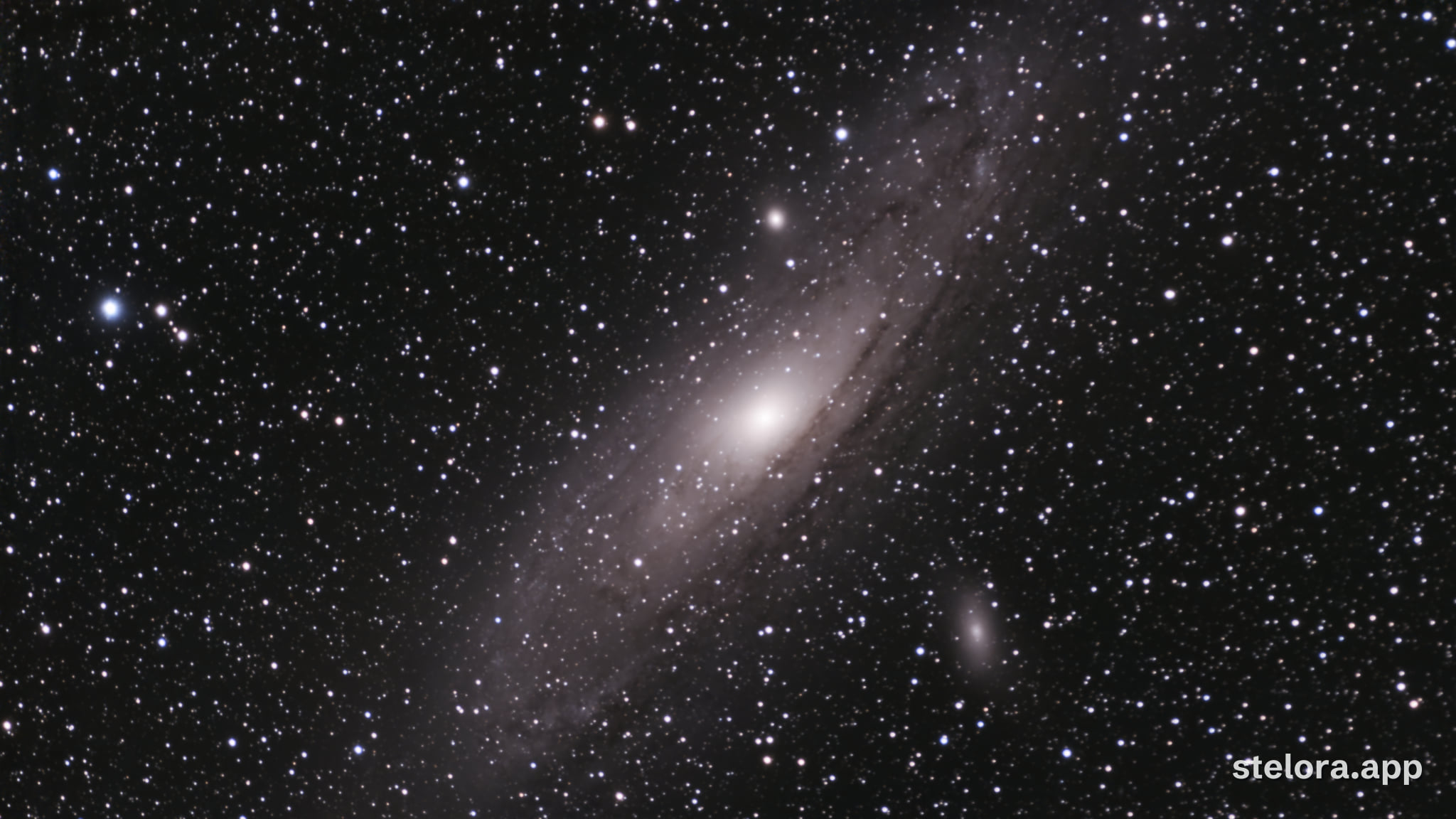
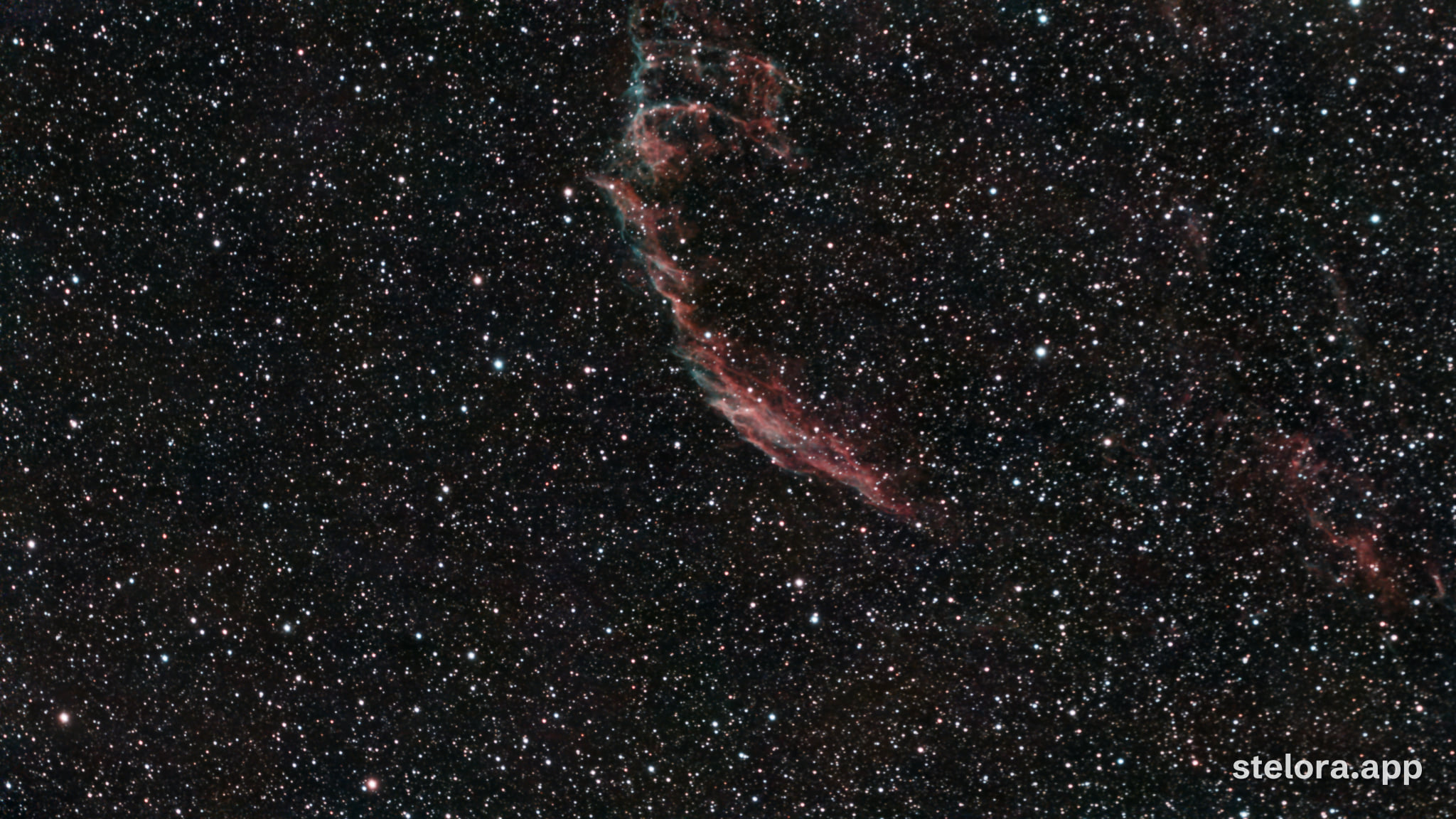
Questions
- Which telescopes does it work with?
- Seestar S30 and S50: the stacked file, or the raw subs. Dwarf 3: the stacked file (one file has been through the pipeline so far, so treat it as tested on one file). The pipeline reads the size and layout from the FITS header. If it cannot read a file, the job stops and you are not charged.
- How is this different from the image my telescope app shows?
- The app’s image is made for a quick look on the phone. Stelora starts from the linear FITS data: it removes the gradient from light pollution and the moon, removes noise, balances the colour on the stars and stretches the result. Try it on one of your own captures: your first 3 images are free, and a free account gets 6 free images every month.
- Can I upload raw subs?
- Yes, from a Seestar. Pick all the sub files at once and Stelora stacks them first. A set of raw subs costs from 3 credits, because stacking takes longer. You see the cost before anything is uploaded.
- How long does it take?
- Usually about a minute for a Seestar S30 or S50 stack, and about 2 for a Seestar S30 Pro, S50 Pro or Dwarf 3 stack. Raw subs take a few minutes, because they are stacked first. Add any wait in the queue. You can close the page: the link keeps working, and you can ask for an email when the image is ready.
- Do I need an account?
- No. Your first 3 images are free, without an email or a password. A free account gets 6 free images every month. It needs only an email address: I send a link, and there is no password. You can make one when an image is finished, and your images follow you to another device.
- What happens to my files?
- They are kept until you delete your account or ask me to delete them, so you can come back to your results. I look at an upload only to find out why a job failed, when you ask for help, or to check that a change to the processing does not make results worse. To have them deleted, write to hello@stelora.app.
The whole pipeline, stage by stage, with where it falls short: How it works. Prices: Pricing.